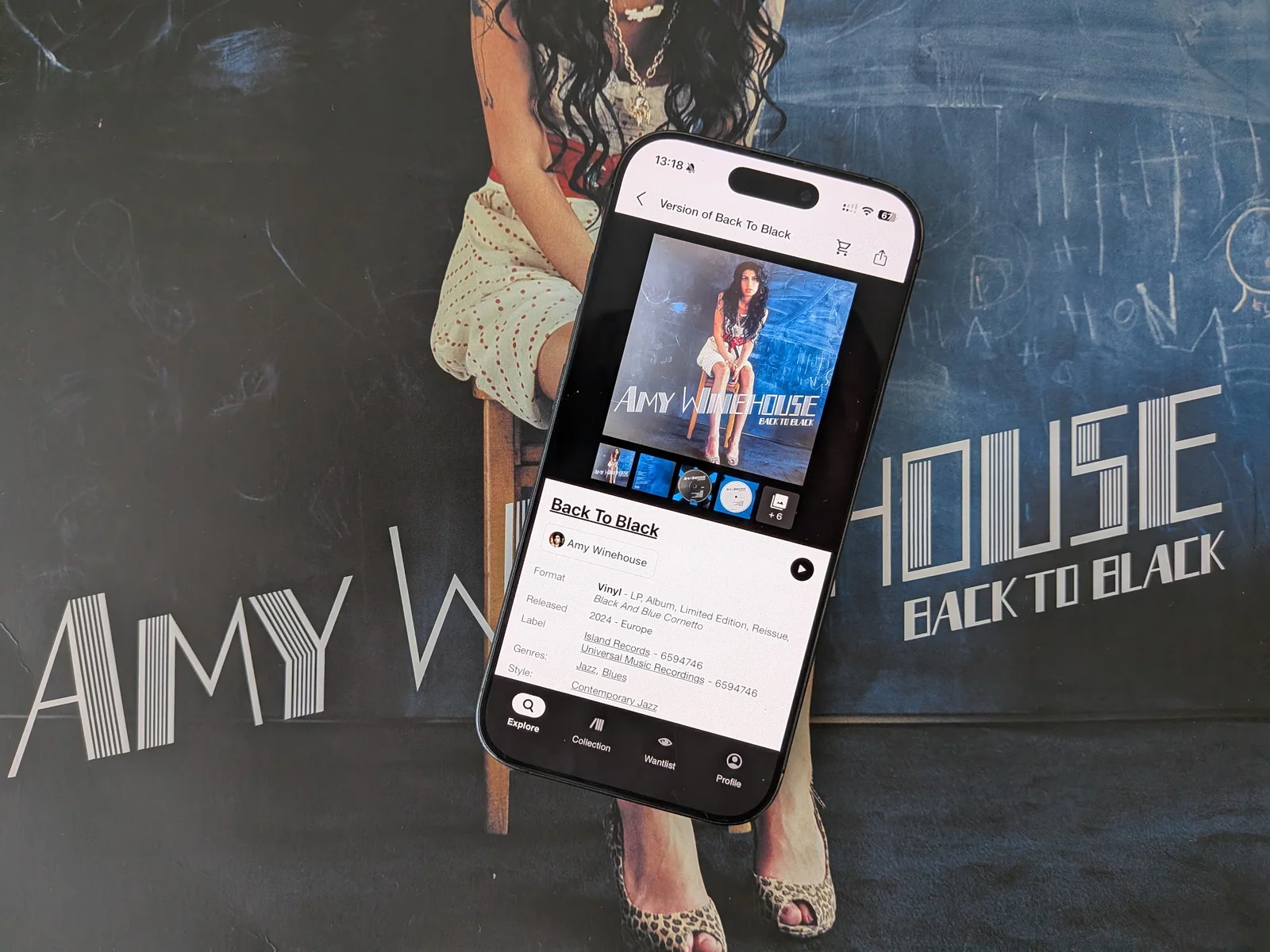
Discogs app review: essential catalogue, awkward collection
Discogs is usually where the work starts. Find the right pressing, add it to your collection, check what a copy might cost. It is extraordinarily useful at keeping the details of a record straight. Browsing the records you already own is where it becomes harder to like.
The mobile app brings a database, collection manager and marketplace into the same space. There is plenty here for someone hunting a particular edition or preparing a sale. For our collection, it works better as the catalogue behind other apps than as the app we want to browse every day.
Getting the record right
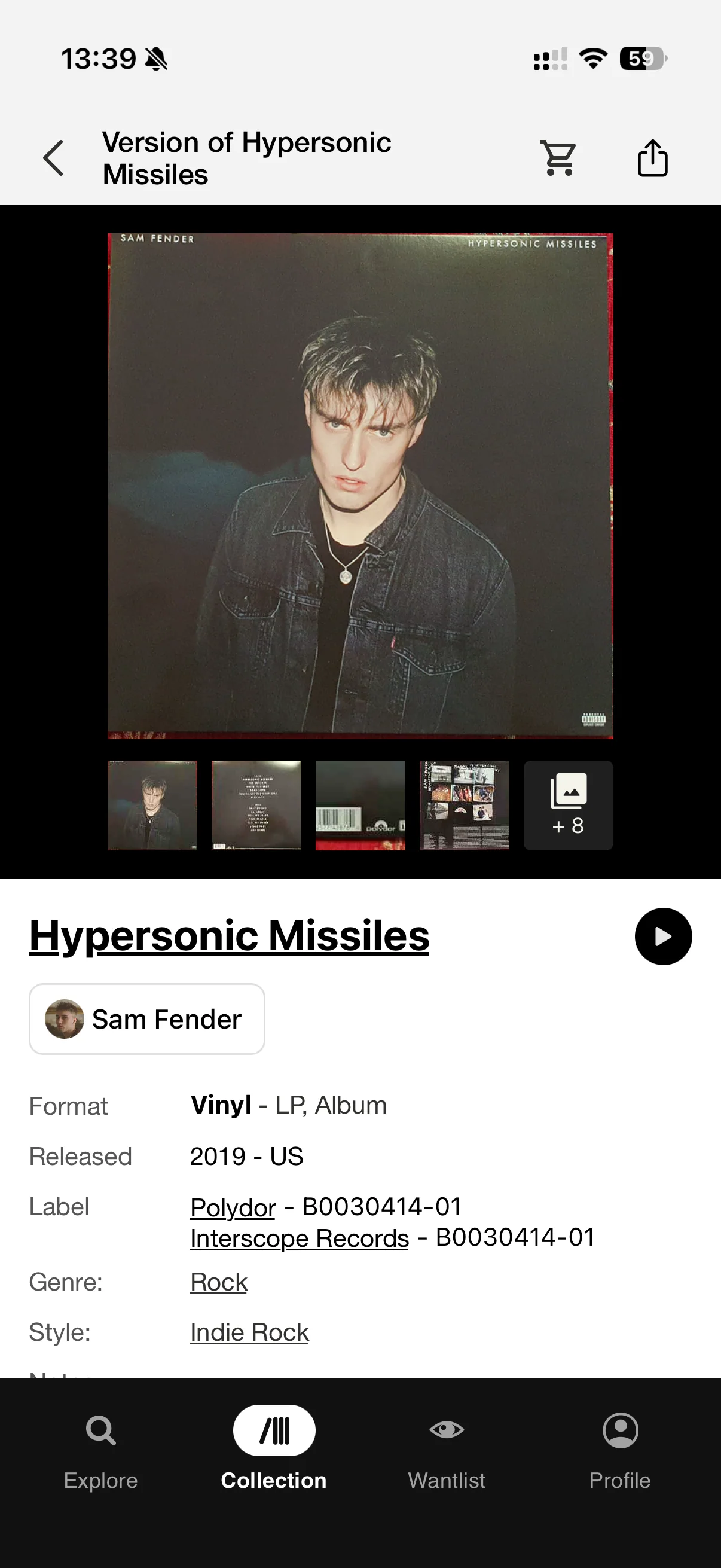
Discogs' strongest feature is the work its contributors have put into it. Labels, catalogue numbers, credits and runout inscriptions help separate editions that look almost identical. That detail can settle whether a listing matches the copy in your hands. *1
You still need to check it. A barcode search gets you candidates, and the sleeve alone may not distinguish a repress. Matching the label and identifying marks takes more effort, but it gives your collection a useful foundation. Our pressing-identification guide walks through that part.
Once the release is right, notes let you record what belongs to your copy: the missing insert, the replacement sleeve, the reason you kept two editions. This is good inventory work. For collectors who care about those details, it is worth doing.
Browsing your own shelves
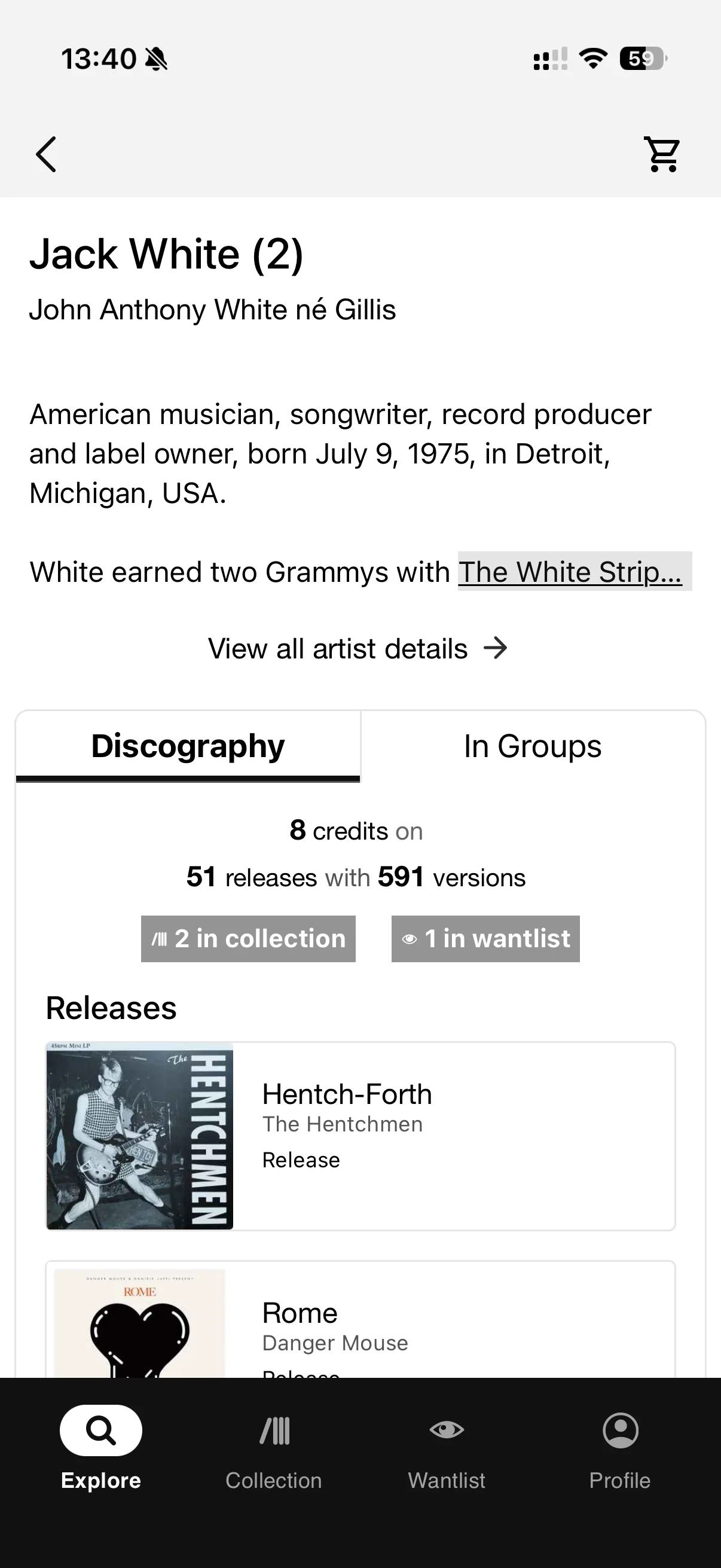
The collection has list and grid views, folders and a substantial sorting menu. Artist, title, year, date added, label, format, catalogue number, rating and value are all available in the documented iOS controls. Managing folders and custom fields takes you into the browser. *4
That is rather typical of the experience. You can organise a great deal, provided you are willing to set up and maintain the system. Custom fields give you flexibility; they also give you more filing to do.
Original-album-year and surname sorting were the omissions we felt most. The iOS menu does not offer dedicated controls for either. Sorting a reissue by its release year is a different job from placing the album in an artist's original sequence. Equally, an alphabetical artist list need not put a solo artist under their surname. *5
The interface feels busy and utilitarian. Our complaint is less about whether the buttons look fashionable than about how much management sits between opening the collection and finding something to play. Collectors who enjoy maintaining a detailed inventory may find the trade-off reasonable. We would like the browsing to require less of that work.
A collection should be easier to browse once you have done the work of cataloguing it.
The wantlist is built around pressings
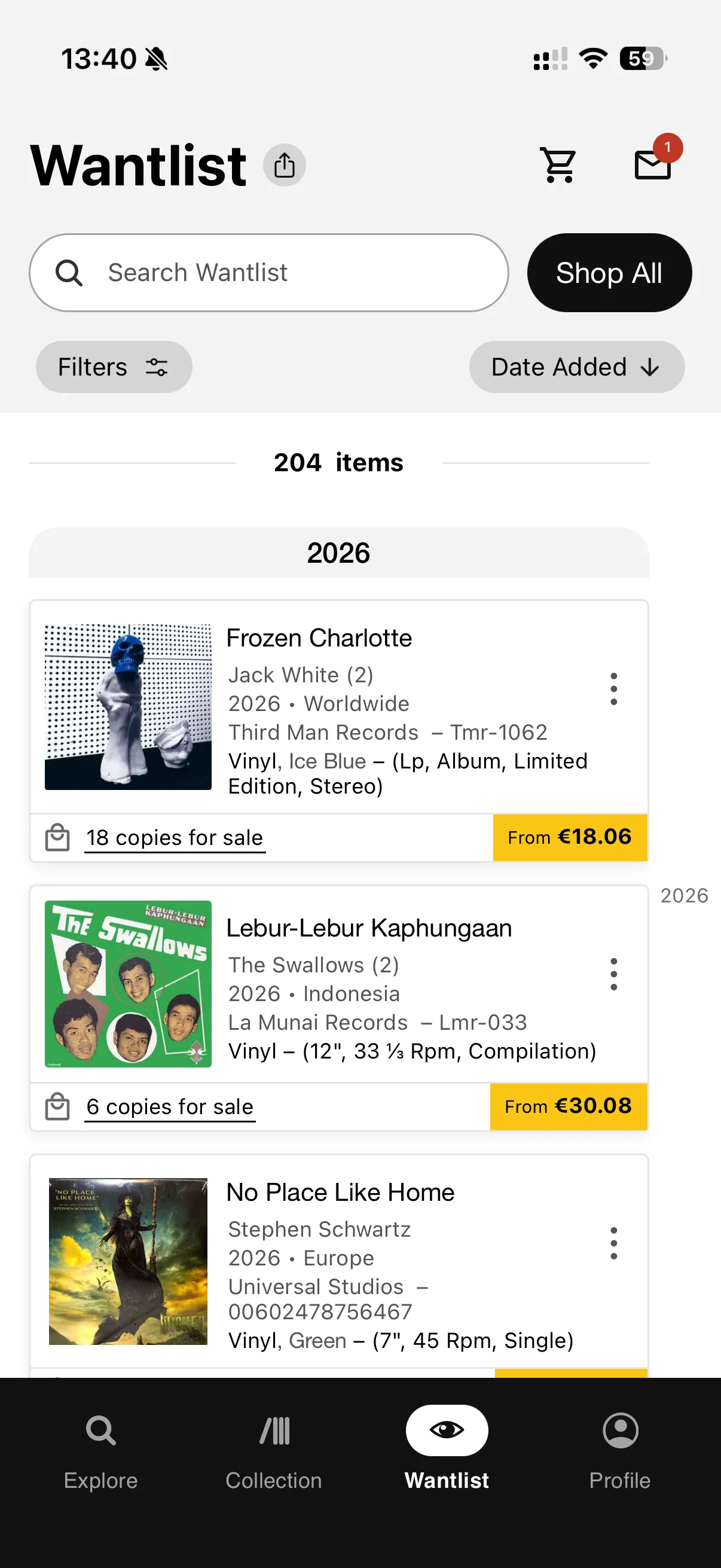
If you are hunting one specific edition, the wantlist makes sense. Save that release and look for a suitable copy. If you simply want the album on vinyl, things get fiddlier.
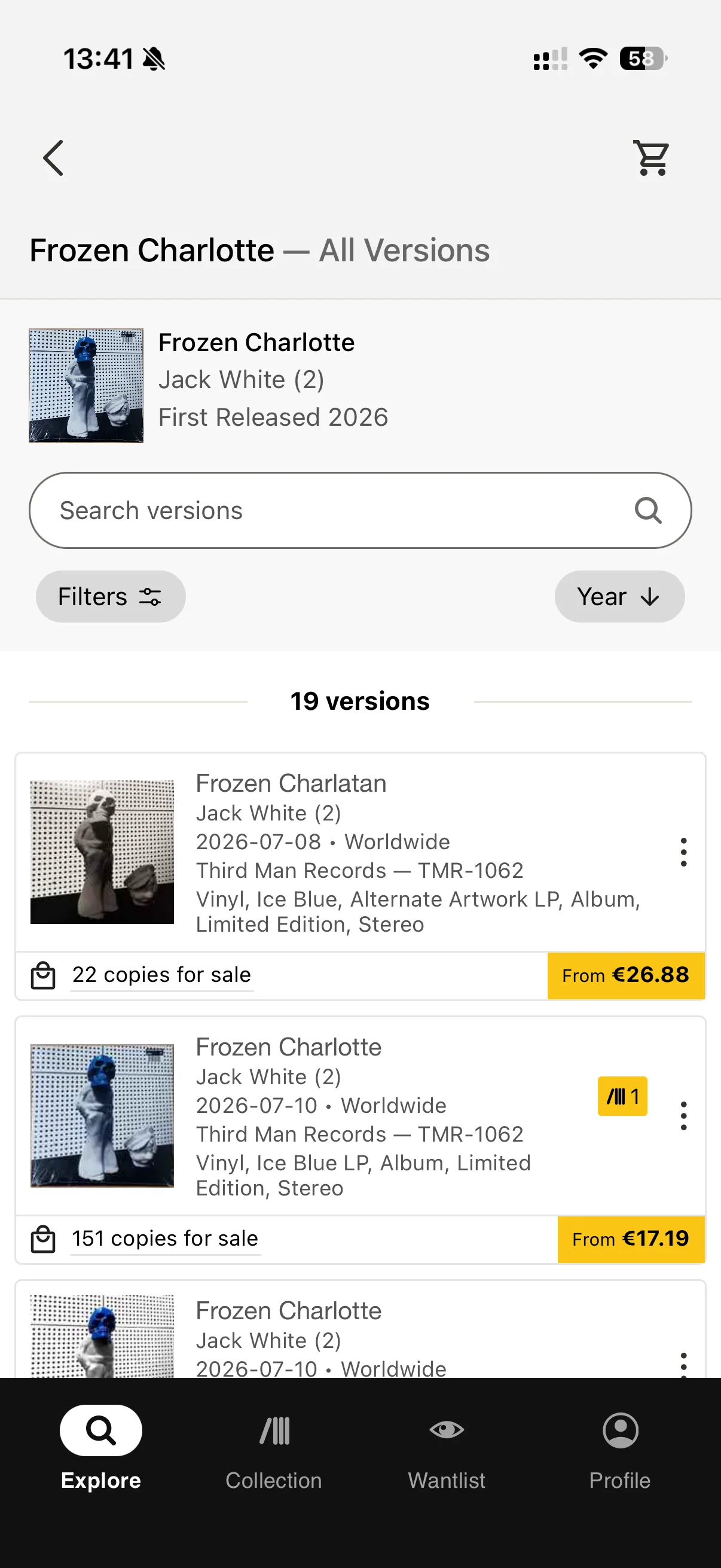
Adding a release does not automatically add every version. The clutter arrives when you save several editions you would be happy to buy: each remains a separate entry. A short list of albums can become a long list of near-identical covers. *6
The precision is useful, particularly when a pressing matters to you. An album-level view could preserve that detail without making you browse every candidate separately. At present, the wantlist asks the collector to keep track of that distinction.
There is always something to buy
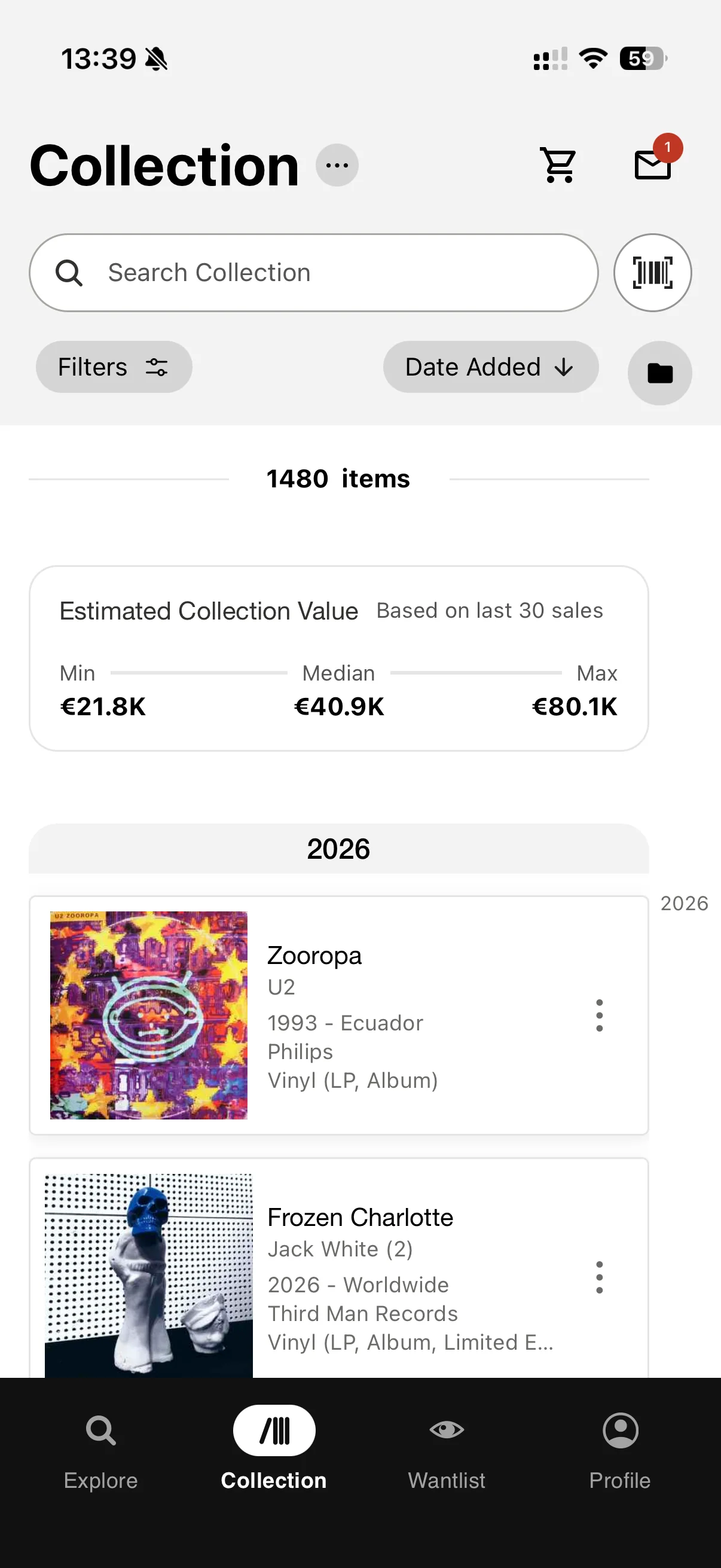
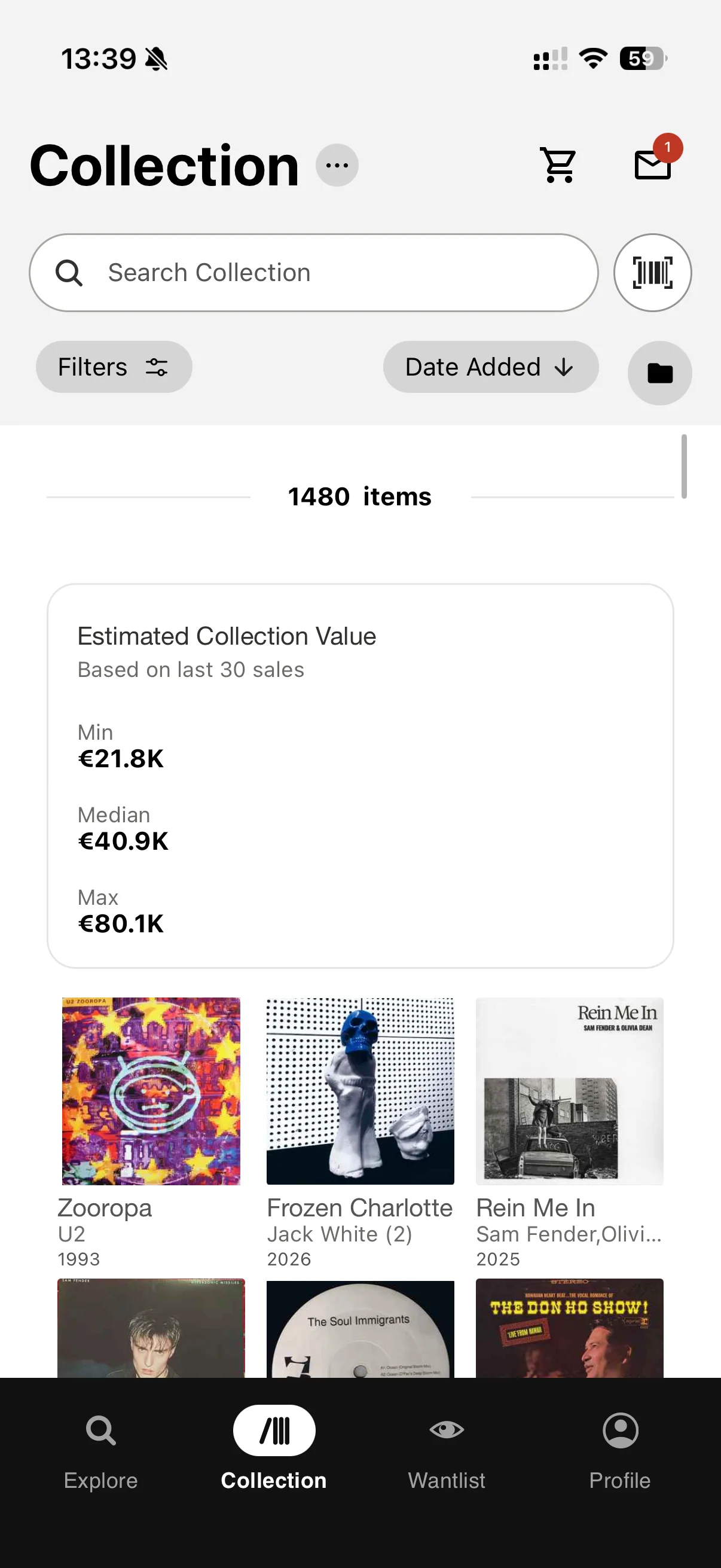
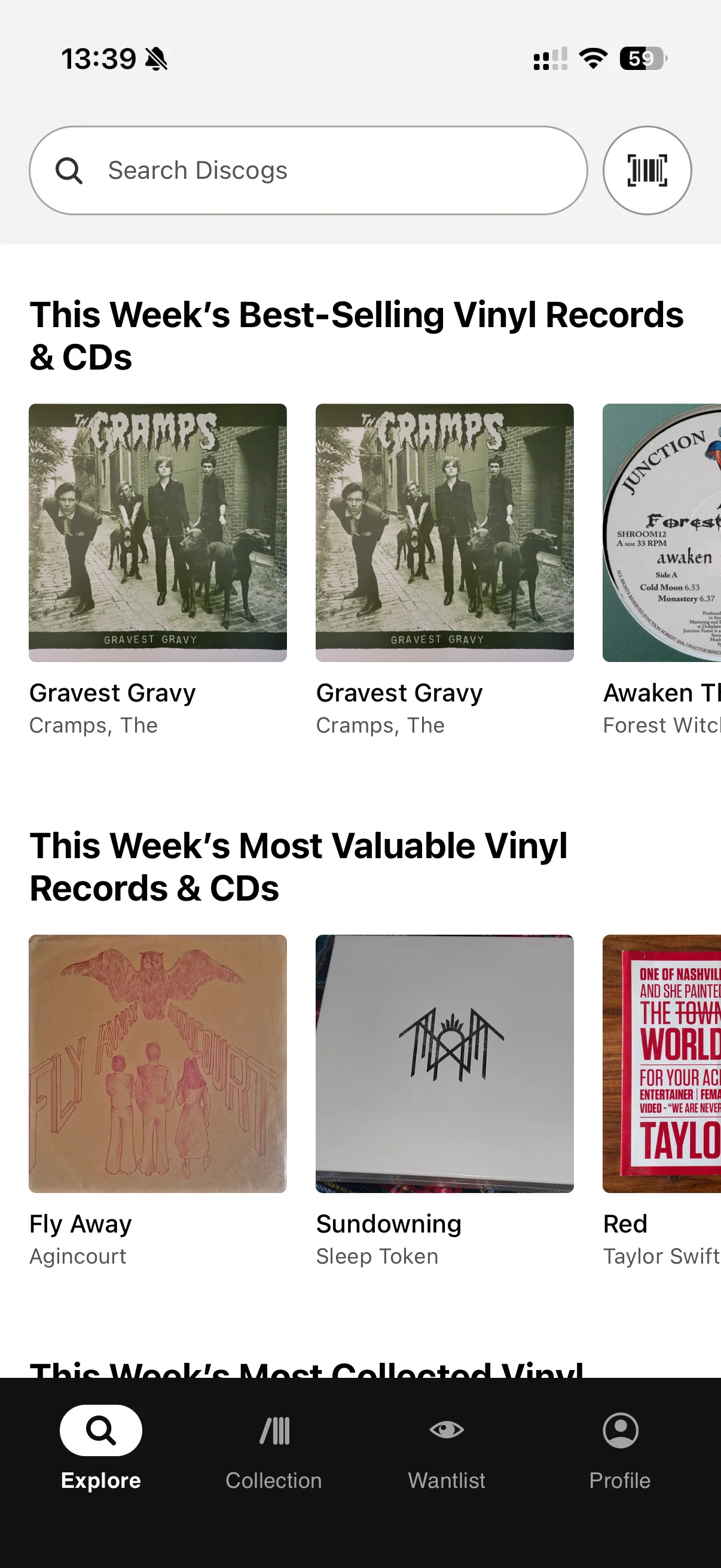
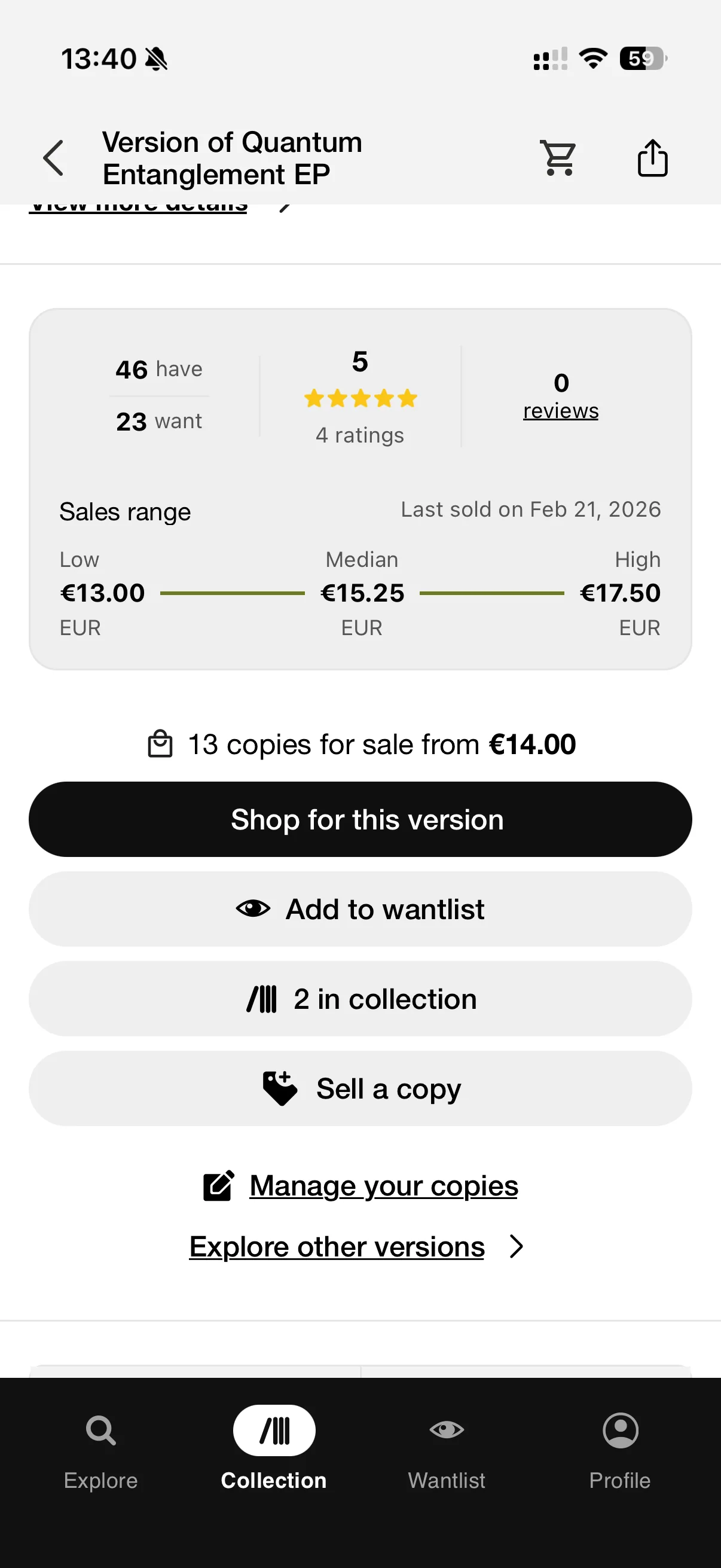
Prices, available copies and selling tools are useful when a transaction is the point of the visit. They become less welcome when you have opened the app to look through records you already own. The collection places its value estimate above the records in both list and grid views. The wantlist attaches available copies and asking prices to individual entries. Shopping repeatedly competes with the collection for attention.
Recent additions include seller matches, listing photographs and pricing help. Discogs is investing in the marketplace, and there is an obvious business reason: its selling fee is 9% of the item and shipping costs, within published limits. *2 *3
There is nothing wrong with building good tools for buying and selling records. Those tools are part of why Discogs is useful. But a sale price does not help with every collection task, and the app could give the records you already own more room.
What customers value, and what frustrates them
The US App Store's displayed rating is 4.8/5 from approximately 67,000 ratings. That is a much more favourable picture than a handful of angry reviews would suggest. The feedback includes praise for organising records and learning about pressings, alongside reports of loading and sign-in trouble. *8
“I take huge advantage of the ‘notes’ section of Discogs.”
YouDontHaveThis · App Store *8
“I often get annoyed and just switch to web page instead.”
مازى · App Store *8
The app's update history includes authentication and synchronisation fixes, so it would be wrong to call it abandoned. Older complaints are not proof that the same faults remain today. Still, access to a collection is a basic requirement, and reliability deserves particular weight for a service that other apps depend on too.
A useful foundation for other apps
Discogs' API is a considerable advantage. It lets collection apps connect to the platform and offer their own way of presenting your records. You can prefer a different interface without starting the catalogue again from scratch.
That access comes with conditions. Some catalogue data is CC0; other data is restricted, and the API has separate terms. The service is not an unrestricted, open-source backend. *7
The dependency follows you. If a companion app relies on Discogs for sign-in or synchronisation, a broken connection can stop that part of the app working. A locally saved collection may remain readable, but it cannot fix the connection. Keeping an independent export is sensible when you have spent years getting the entries right.
What it costs, and who it suits
The app is free, and basic collection storage does not require a subscription. Selling fees are a separate cost. For a detailed catalogue that can connect to other collection tools, that is a strong offer.
Discogs makes the most sense for collectors who need to identify particular editions, keep an inventory and buy or sell against that information. It is less convincing as a comfortable place to explore the music already on your shelves. We would keep the catalogue. We would happily change the interface we use to reach it.
Our overall rating
An excellent catalogue and a useful marketplace, held back as a personal collection app by cumbersome organisation and a persistent emphasis on buying and selling.
Detailed release data, collection controls, wantlists and marketplace tools. Album-level browsing and more natural shelf sorting remain weak spots.
Busy screens and browser handoffs make collection maintenance feel more laborious than it needs to. The problem is the flow, as much as the appearance.
Dependable collection access matters most here. Customer reports and subsequent fixes raise questions, but they do not establish a measured failure rate.
Free app and basic collection storage, with no collection subscription. Sellers pay transaction fees separately.
Sources and notes
Discogs database guidelines. Release-specific catalogue structure and contributor requirements. Back.
Discogs US App Store listing and version history, checked 19 September 2026. Listed version 3.22.0 introduces seller matches; 3.21.0 adds listing photos; 3.0.20 describes contextual pricing and authentication improvements. Earlier notes document collection search, restored scrobbling, sync fixes and the redesign. iOS evidence is not a claim of Android feature parity. Back.
Discogs selling fees. Published fee is 9% of item and shipping costs, with USD minimum $0.10 and maximum $150; other payment charges and taxes may apply. This establishes transaction revenue, not the company's complete revenue mix. Back.
Using the collection on iOS. Sorting, layouts and browser handoff for managing folders/custom fields. Back.
Collection-navigation observations supplied by our editor on 19 September 2026. The documented iOS sorting menu lists Year and Artist, without dedicated original-year or surname options. Back.
Discogs wantlist guide. This guide describes the website's release-level additions and marketplace links; the criticism of repeated editions reflects our editor's use, rather than a claim that every app action adds all versions. Back.
Discogs API terms. CC0 catalogue data, restricted data and API permissions are distinct. Back.
US App Store customer reviews, checked 19 September 2026. Displayed aggregate: 4.8/5, 67K ratings, rounded by the storefront; not a current-version or worldwide score. Quotes: YouDontHaveThis, “Great for Learning and Organizing!”, 13 March 2022; مازى, “Try Again Try Again Try Again”, displayed 29 May without a year. Selected individual experiences, not a measure of how often faults occur. Back.