What is Last.fm scrobbling, and why do vinyl listeners do it?
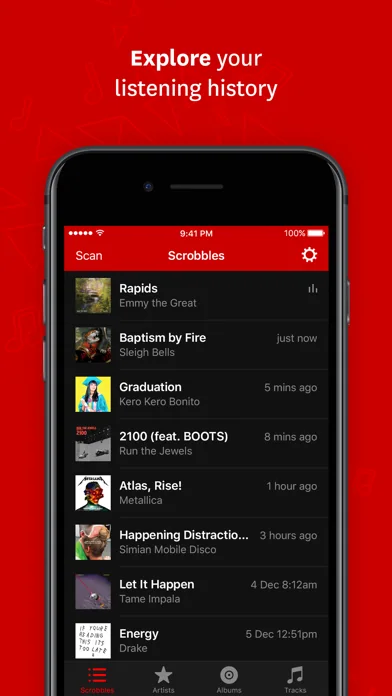
Suppose you played side one on Sunday evening, then went back to it on Monday. A scrobble gives each of those track plays a place in your Last.fm history, with a timestamp. Over time, those entries show what you played, how often and when.
For vinyl listeners, the attraction is bringing records played at home into the same history as music heard digitally. It is optional bookkeeping for anyone who enjoys looking back at their listening.
A listening history answers a different question from a collection
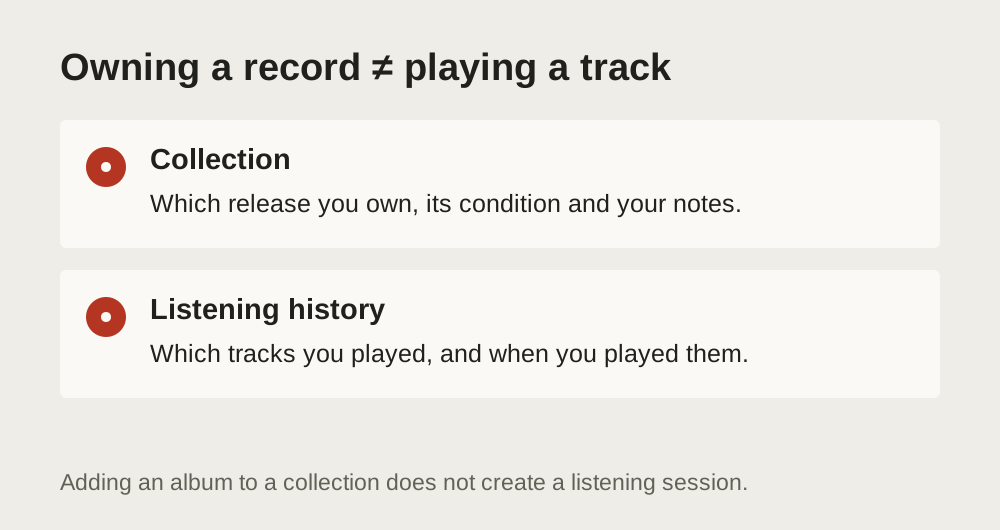
Your collection describes what you own. Your listening history describes what you've played. A record can spend years on your shelf without appearing in the latter, while an album you never bought can become one of your most-played favourites.
Last.fm's explanation of scrobbling describes the basic entry as an artist, track and timestamp, with optional album information. Those entries build your library and feed charts and recommendations. They don't establish ownership of a physical copy.
That distinction matters if you've spent an afternoon identifying a pressing on Discogs. The catalogue number and runout inscriptions help describe your particular object. A scrobble usually describes the song you heard. It does not prove which pressing supplied it, how the record was graded or whether you own it at all. Our pressing identification guide covers the physical-record question separately.
Keeping both logs lets you see which records spend more time on the shelf than on the turntable.
Who bothers, and what do they get from it?
Scrobbling suits a listener who likes a dated record of their habits. You might want to revisit the albums that carried a particular winter, discover how often you returned to one artist, or compare what you think you play with what your history contains.
It can be especially useful when your listening crosses formats. Suppose you stream music during the week and play records at home on Sunday. Logging only the digital sessions leaves a conspicuous gap in the portrait. Adding the Sunday tracks makes that history more representative of your listening.
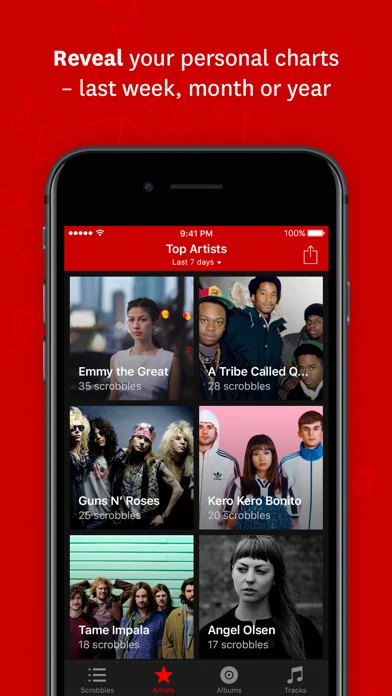
Last.fm's official app overview lists personal artist, album and track charts, listening-history views, and weekly and yearly reports. Those are ways to examine the entries you've supplied. An evening you don't log will be missing from that picture.
There is a social side too. Last.fm describes sharing listening information and finding people with similar musical tastes. That may be appealing if talking about the week's listening is part of the pleasure. It is equally reasonable to want only a personal record and to skip the comparison with anybody else's totals.
What the iOS and Android apps actually do
Last.fm has official apps for iOS and Android. Both give you access to your listening history and charts. The iOS app's documented manual scan-and-submit feature works with Apple Music listening; it is not a scan of the record on your turntable. The official platform descriptions make that Apple Music connection explicit.
For vinyl listening, Discogs provides the iPhone connection discussed below. You use release information to log the tracks you played to Last.fm. That is a separate job from submitting Apple Music plays through Last.fm’s own app.
Once a vinyl play reaches the same Last.fm account, it can sit alongside your digital listening in the history. Keep using that account when connecting another source. Splitting formats between accounts defeats the point of bringing the listening together.
Automatic scrobbling still needs a source
With a supported digital connection, software can receive information about the playing track and submit it for you. Last.fm's Track My Music page is the place to check compatible services and official apps. Installing an app alone doesn't mean that every source of sound around you is now being logged.
A conventional turntable and amplifier don't send artist names, song titles or timestamps to Last.fm. A vinyl workflow therefore needs a separate way to identify and submit the tracks. Manual logging uses your selection of what played. Automatic vinyl logging would need an additional recognition or playback-tracking mechanism; a record stored in a collection database cannot supply evidence that the needle reached a particular song.
A manual workflow can use an album tracklist to save typing, but you still select what you actually heard. Playing side one doesn't mean you finished side two. A system that identifies audio would have its own coverage and recognition limits. Neither approach makes checking the resulting history pointless.
Logging vinyl plays through Discogs
Discogs includes Last.fm scrobbling in its iPhone app. The developer's App Store version history for 3.0.19, dated 23 June, explicitly announces that scrobbling has returned. See the Discogs iPhone release notes.
For an existing Discogs user, the appeal is having release information close to the logging action. Adding a release to your Discogs collection records ownership. Submitting its tracks to Last.fm records listening. Neither action should stand in for the other.
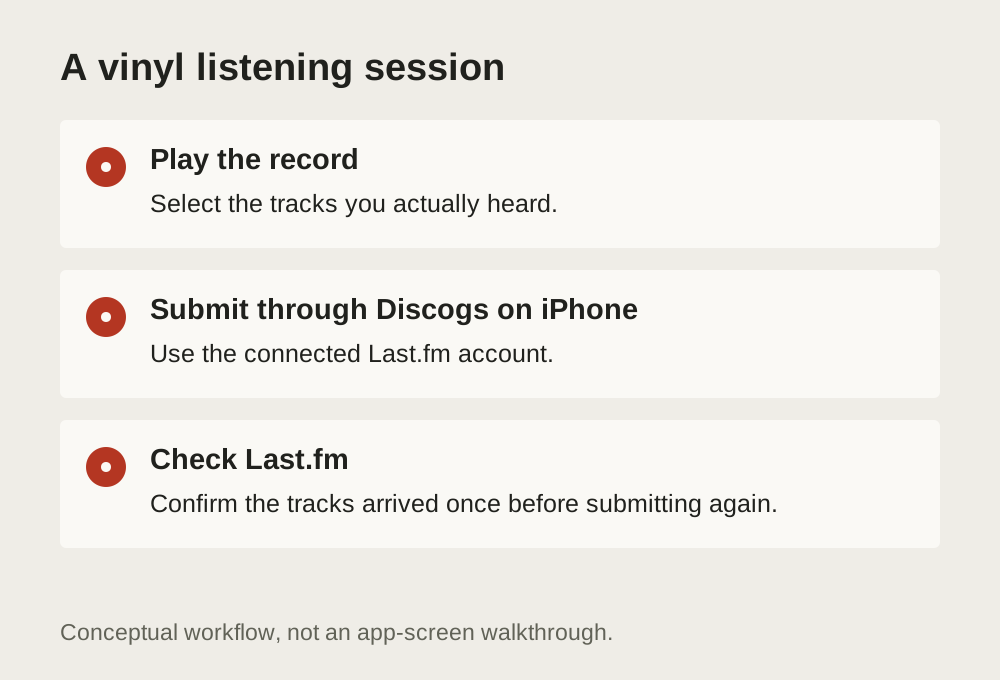
Before adopting the habit, use a listening session you can easily check. Confirm the destination account, review the artist and track names, then inspect your recent Last.fm history after submitting. Check that the tracks appear once and that their timing makes sense. Once that first session appears correctly, you have a routine to reuse.
A manageable routine for a record session
Choose the album and compare its tracklist with the record you played. A streaming reissue may include extra songs that are absent from your copy. Enter the tracks you heard, including a second play only if you actually played them again. If the tool offers a listening time, use the session time rather than treating every entry as a play happening now.
For example, if you played side one and then went out, submit side one's tracks. Leave side two for the evening you play it. You do not need to invent a complete album session to make the history look tidy.
After submission, open your recent Last.fm history. Check the artist, song names, order and duplicate entries. If a submission seems to have failed, look there before sending the whole batch again. The tracks may already have arrived even if the confirmation didn't.
Keep the history useful without making it a chore
Last.fm works at track level. An album with more tracks therefore creates more entries than an equally long album with fewer tracks. A high play count is not automatically a measure of time spent listening, and it certainly isn't a score for how seriously you enjoy music.
The service's technical scrobbling rules require a track to be longer than 30 seconds and played for at least half its duration or four minutes, whichever comes first. For manual logging, select the tracks you actually listened to.
Choose a manageable degree of completeness. You might log each full record session, or decide that the occasional missed evening is acceptable. The useful comparison is with your own reasonably consistent history. If entering tracks starts interrupting the listening you wanted to remember, let the record play and leave a gap.